Brushes
Overview
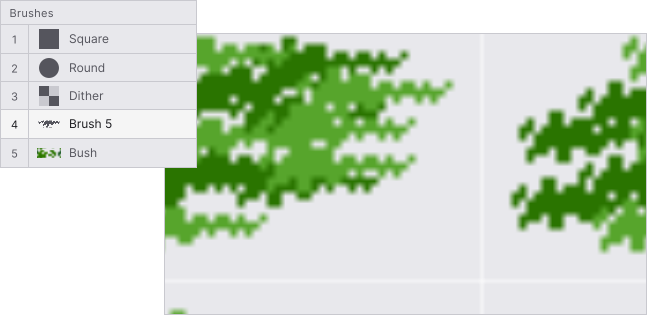
Brushes let you paint with any shape or texture apart from the default round and square tips. Draw a pattern, save it, and reuse anywhere.

Creating a custom brush
Select any region on the canvas with the marquee , lasso or wand tool, then click Save as brush. The selection becomes a new entry in the brush panel.
There are 3 types of brushes:
| Type | Colors | Best for |
|---|---|---|
| Monotone | Foreground (or secondary) | Textures and patterns |
| Duotone | Foreground + background | Dithering patterns, shading |
| Pattern | Full palette | Textures, terrain, tilesets |
Managing brushes
Open the brush panel from or press B. From there you can rename, reorder, duplicate, or delete any custom brush.
Pixel perfect
Pixel perfect cleans up single-pixel jaggies on pencil strokes. Enable it in the brush options when doing clean lineart.
Keyboard shortcuts
Increase brush sizeCtrl+
Decrease brush sizeCtrl+
Select brush hotkeys1to0
Quick brush from selectionCtrl+B