Workspace
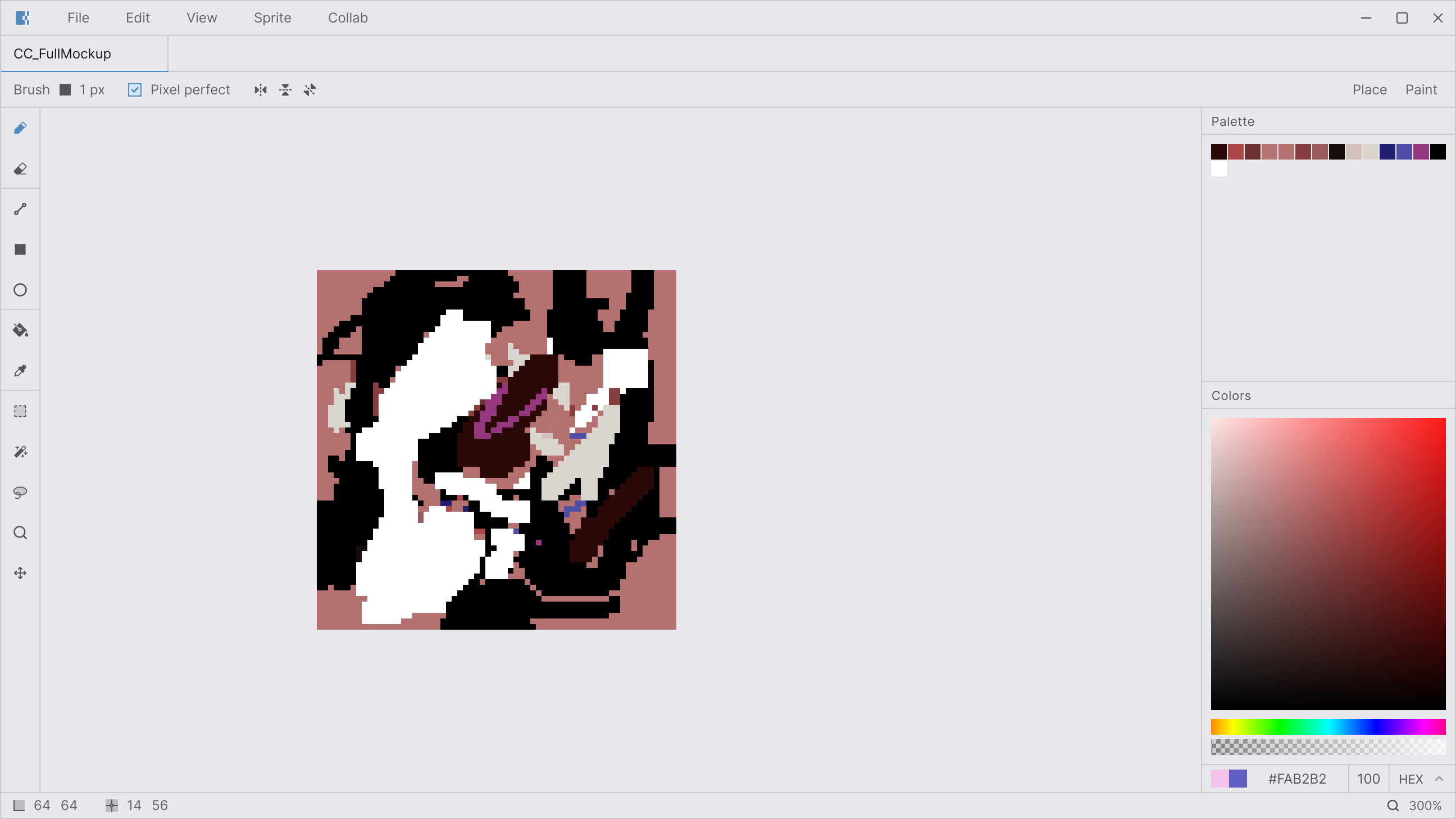
The workspace is the main area where you create and edit your pixel art. It includes a menu bar, tabs, a canvas, a toolbar, a tool options bar, a status bar, and various panels. By default, you'll only see the Layers and Colors panels, but you can open many more at .
Canvas navigation
Panels
Three dock zones — left, right, and bottom — hold the editor panels. Drag a tab to rearrange panels within a zone or across zones. Drag a tab away from any zone to float it as a window. Pin a floating panel back to a dock zone via the pin icon in its header.
Resize dock zones by dragging their edges. All layout changes are saved automatically.
General shortcuts
Status bar
The bottom-right bar shows the current tile size, cursor coordinates, zoom level, and selection dimensions when a selection is active. During a live collaboration session it also displays a peer count and room code.