Assets
Sprite sheets
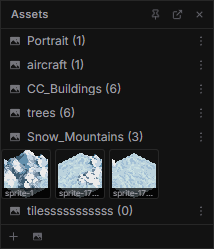
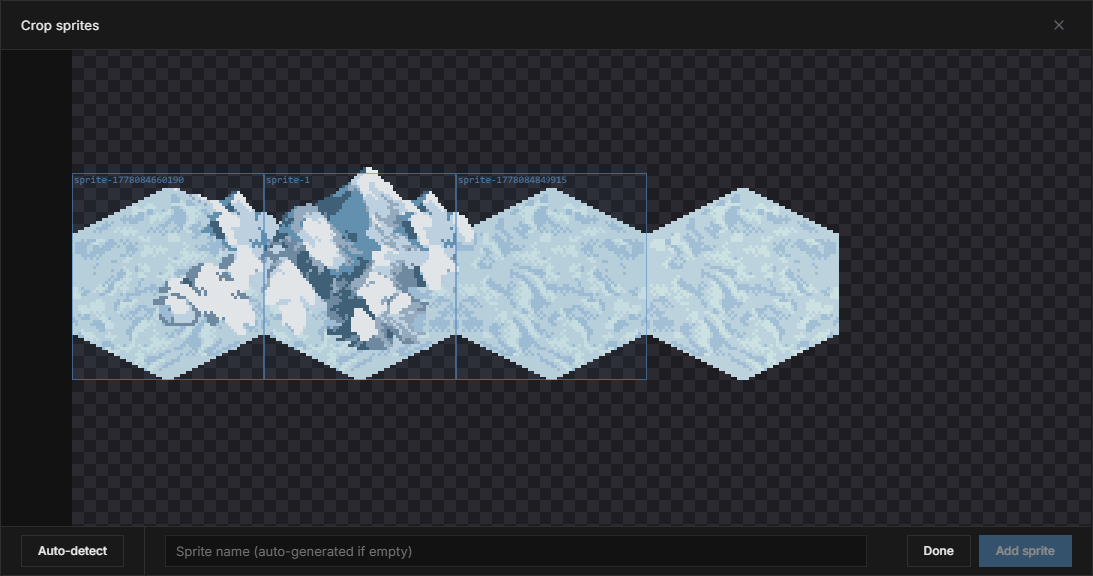
Assets are organized in sheets. You can create an empty sheet from the asset panel, or import an existing image. When importing, Rawbit can auto-detect individual sprites for you, or you can open the crop dialog and draw rectangles around each sprite manually.
Using assets in mockups
Each placed instance is linked to its sheet — editing the source updates every copy on the map. Place and paint them on object or HUD layers via Place & Paint modes.
Place & Paint
The mockup editor is designed to work with two modes you can switch between. Each mode has its own set of tools and panels, but you can always choose the best approach for each part of your map. You can toggle between modes withTab.
Place
Select a tile or asset and click on the map to position it. Tiles snap to the grid on tile layers; assets can be placed freely on object and HUD layers. You can also drag to stamp multiple tiles or use the fill tool to flood an area.
Paint
Draw directly on the map with the pencil, eraser, or any brush. Each stroke is resolved back to the source — tilesets on tile layers, or the sprite sheet on object and HUD layers — so you can iterate on your art without leaving the mockup while every placed instance updates instantly.